CRICOS Course Search: How to Find Any Course in Seconds (2026 Guide)
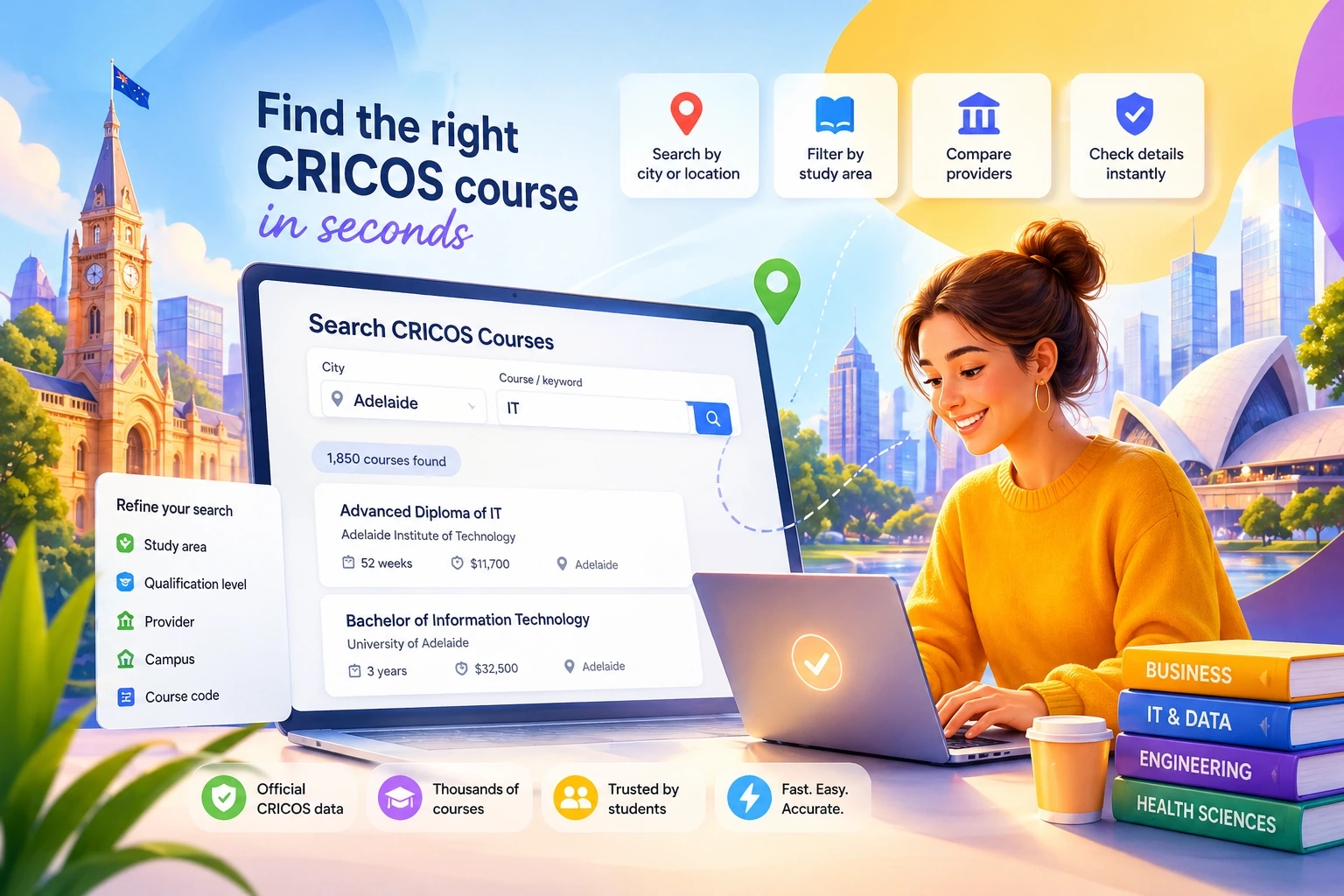
What is CRICOS course search?
CRICOS course search is the fastest way to find officially registered courses for international students in Australia by filtering a database of approved providers, cities, study areas, and course types.
Instead of browsing thousands of listings manually, a search tool lets you instantly narrow results using real criteria like location, qualification level, or provider.
Why most CRICOS searches fail
Most users struggle because:
- The official database contains 28,000+ courses
- No clear filtering logic
- Results are not optimized for real user intent
👉 Result: Users either:
- get overwhelmed
- or miss relevant courses completely
How to search CRICOS courses correctly (step-by-step)
Step 1 — Start with location (not course name)
Use city filtering first:
- Sydney
- Melbourne
- Brisbane
- Perth
👉 Why: Many courses exist in multiple cities, but availability and providers differ
Step 2 — Add a keyword (broad, not specific)
Good examples:
- “Nursing”
- “Business”
- “IT”
Bad examples:
- “Advanced Diploma of…”
- full course titles
👉 Broad terms return better initial datasets
Step 3 — Use provider names (if known)
If you already have a provider:
- University of Sydney
- Monash
- UTS
👉 This drastically reduces noise
Step 4 — Refine by study area or level
Key filters:
- VET (Diploma, Certificate)
- Higher Education (Bachelor, Master)
- ELICOS (English)
👉 This is where most users finally get relevant results
Step 5 — Validate the course (critical step)
After finding a course:
- check provider
- check duration
- check location
👉 or go further: → use CRICOS Code Check for exact verification
Example: real search scenario
Goal: find IT courses in Adelaide
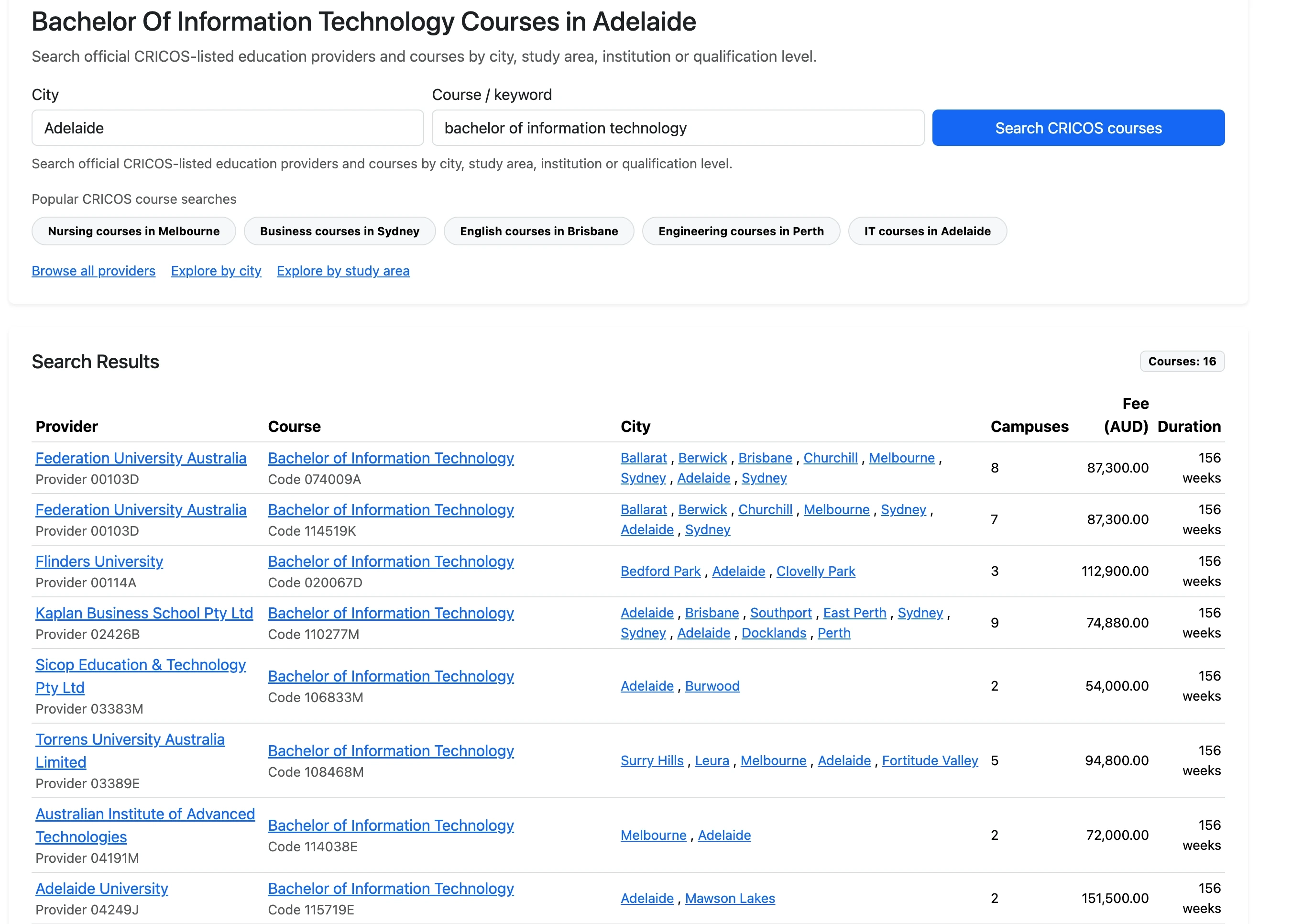
Process:
- City → Adelaide
- Keyword → IT
- Review providers
- Filter by qualification
👉 Result:
- multiple providers
- different price levels
- different durations
Common mistakes in CRICOS search
❌ Searching only by course title
Too narrow → you miss alternatives
❌ Ignoring location
Same course ≠ same city
❌ Not checking provider
Different institutions = different quality and outcomes
❌ Using outdated lists
Static lists don’t reflect real availability
Why CRICOS course lists don’t work anymore
A typical “list of CRICOS courses” fails because:
- no filtering
- no sorting
- no context
👉 With 28,000+ courses: lists are not usable
What actually works (modern approach)
A proper CRICOS search tool should allow:
- city filtering
- keyword search
- provider lookup
- structured results
👉 exactly what your interface does:
- Search (courses)
- Providers (institutions)
- Code Check (validation)
When to use search vs code check
Use search when:
- you don’t know the course yet
- you explore options
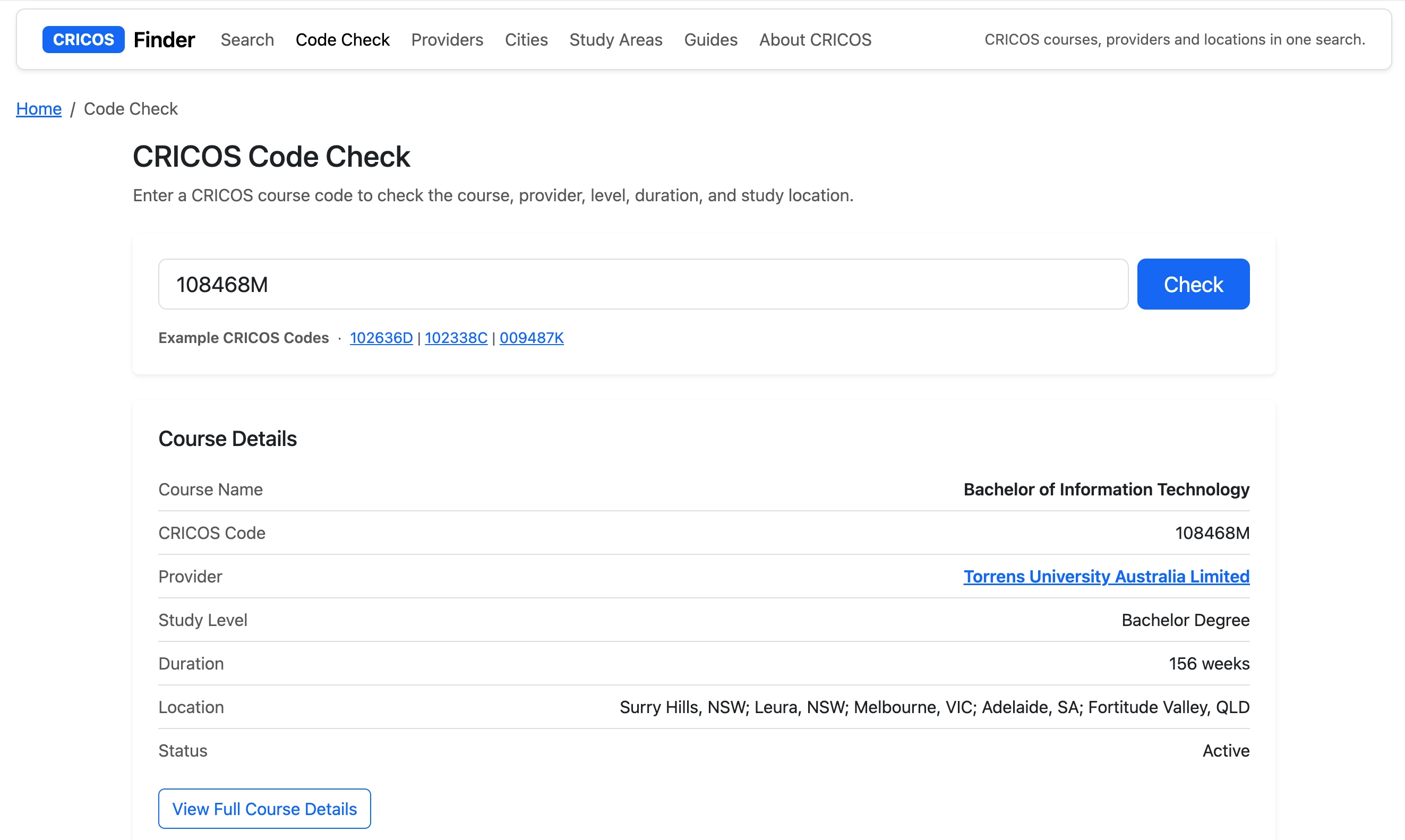
Use code check when:
- you already have a CRICOS code
- you need verification
Fastest way to find a CRICOS course in 2026
- Enter city
- Add broad keyword
- Filter results
- Compare providers
- Validate with code check
👉 Time: under 30 seconds
FAQ
What is the fastest way to search CRICOS courses?
Use a filtered search tool instead of browsing lists. Start with location, then add a keyword.
Can I search CRICOS courses by city?
Yes. This is one of the most effective filters and should be used first.
Is CRICOS search better than lists?
Yes. Lists don’t scale. Search tools handle thousands of courses instantly.
Do I need a CRICOS code to search?
No. Codes are used only for verification, not discovery.
Conclusion
CRICOS course search is no longer about browsing — it’s about filtering.
If you use:
- location
- keywords
- provider filters
you can find relevant courses in seconds instead of hours.
And once you find a course, always verify it using a CRICOS code.