CRICOS Code Check: Instantly Verify Any Course in Australia (2026 Guide)
Finding accurate information about a course in Australia can be confusing — especially when you’re dealing with providers, visa requirements, and multiple course variations.
This is exactly why we built a simple tool: CRICOS Code Check.
It allows you to verify any CRICOS course in seconds — using just the course code.
What Is the CRICOS Code Check Tool?
CRICOS Code Check is a lightweight search tool that lets you:
- Enter a CRICOS course code
- Instantly retrieve official course data
- Verify provider, level, duration, and location
No filters. No navigation. Just direct lookup.
This is useful when you already have a code (from an agent, university, or visa document) and need to confirm that it’s valid and current.
How It Works (Step-by-Step)
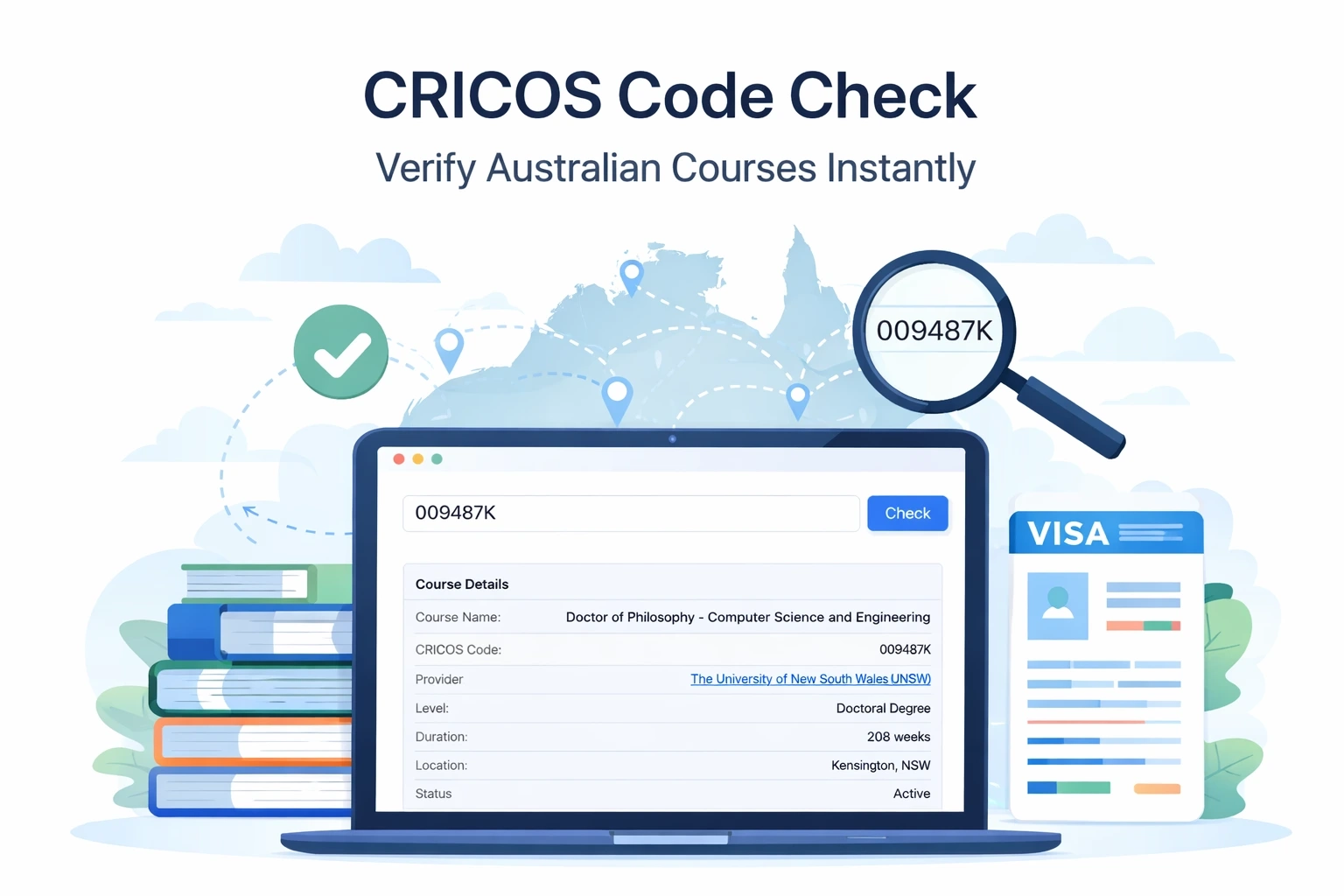
- Enter a CRICOS code (e.g. 009487K)
- Click Check
- Get structured course data instantly
If the code is valid, you will see:
- Course name
- Provider (institution)
- Study level (e.g. Bachelor, Master, PhD)
- Duration (in weeks)
- Study location
- Status (Active / Inactive)
If multiple matches exist, the system returns a selectable list.
Real Example
CRICOS Code: 009487K
Result:
- Course: Doctor of Philosophy – Computer Science and Engineering
- Provider: The University of New South Wales (UNSW)
- Level: Doctoral Degree
- Duration: 208 weeks
- Location: Kensington, NSW
- Status: Active
This is exactly the type of verification students need before applying or accepting an offer.
Why This Tool Matters
1. Verify Before You Apply
Agents and providers often share CRICOS codes. This tool lets you confirm:
- the course actually exists
- the data is correct
- the course is active
2. Avoid Mistakes in Visa Applications
Incorrect course codes can lead to:
- delays
- visa issues
- incorrect CoE
3. Compare Courses Faster
Instead of browsing catalogs, you can:
- check multiple codes quickly
- validate different providers
- confirm durations and levels
When Should You Use CRICOS Code Check?
Use it when:
- You received a CRICOS code from an agent
- You want to double-check a course before applying
- You are comparing multiple offers
- You need to confirm details for a visa application
CRICOS Code vs Provider Code (Important)
These are not the same:
- CRICOS Course Code → identifies a specific course
- Provider Code → identifies the institution
The tool is designed specifically for course-level verification.
What Data Does the Tool Use?
The tool works on the same underlying dataset as the official CRICOS register, but:
- faster
- cleaner interface
- no unnecessary navigation
Limitations (Important)
- The tool requires a valid CRICOS code
- Partial matches may return multiple results
- Data depends on the latest database update
Why Not Use the Official CRICOS Website?
You can — but:
| Official Register | This Tool |
| Complex UI | Minimal interface |
| Multiple steps | One input |
| Slower navigation | Instant result |
| Hard to compare | Quick validation |
Final Thoughts
CRICOS Code Check solves a very specific problem:
“I have a code — I need to know if it’s real and what it means.”
Nothing more. Nothing extra.
And that’s exactly why it works.